Stacks
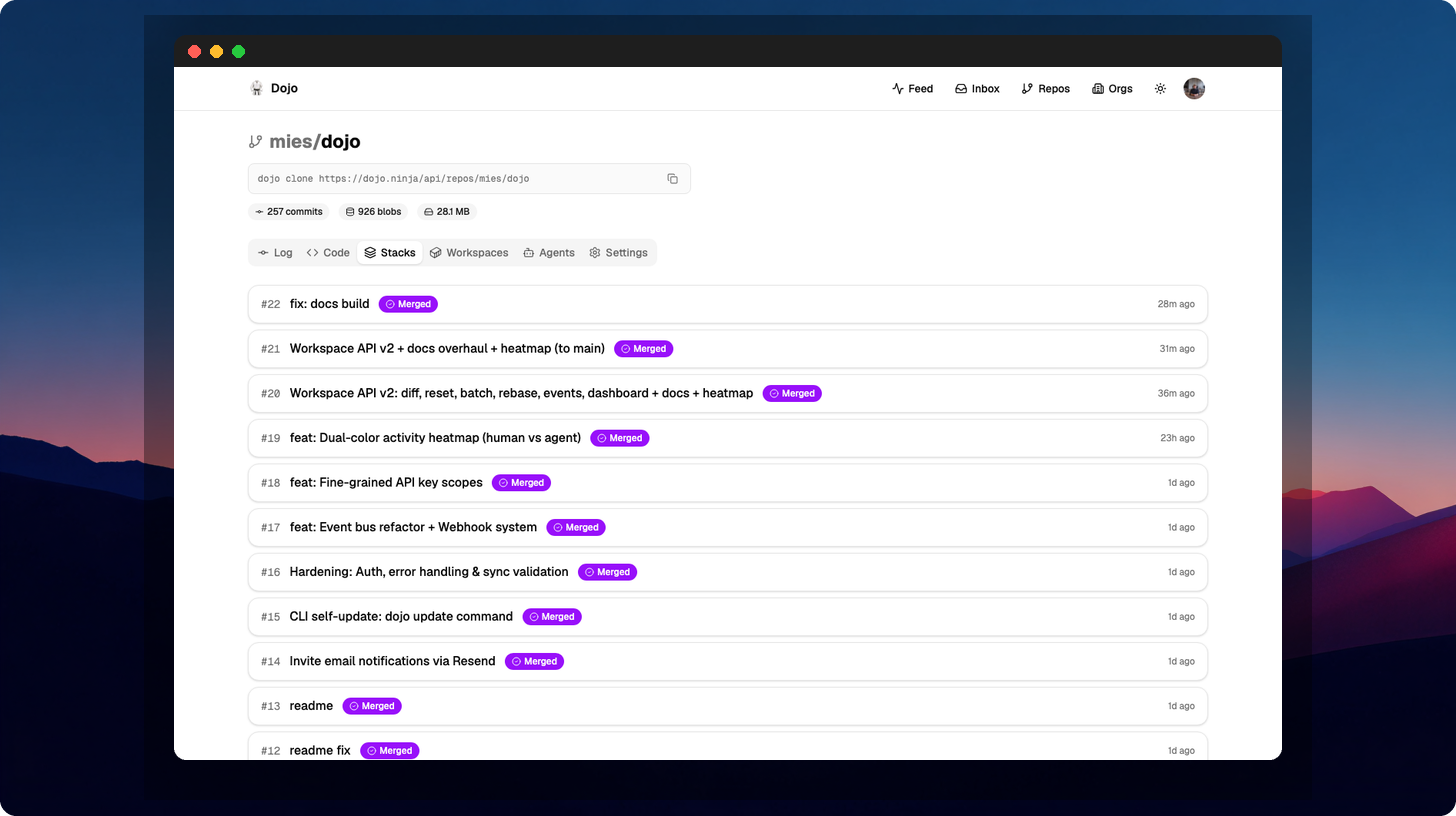
Stacks are Dojo’s unit of code review. A stack is a group of related commits submitted together for review.
What is a stack?
Section titled “What is a stack?”A stack consists of:
- A title describing the overall change
- One or more commits that make up the change
- A status: draft, review, or merged
- Review comments and approvals
Submitting a stack
Section titled “Submitting a stack”dojo stack submit --title "Add user authentication"This takes your recent commits and groups them into a reviewable stack.
Stack lifecycle
Section titled “Stack lifecycle”draft → review → merged ↘ rejected (request changes)- Draft — work in progress, not yet ready for review
- Review — submitted for review, awaiting approval
- Merged — approved and merged into the main line
Viewing stacks
Section titled “Viewing stacks”# List all stacksdojo stack list
# Show details of a specific stackdojo stack show 42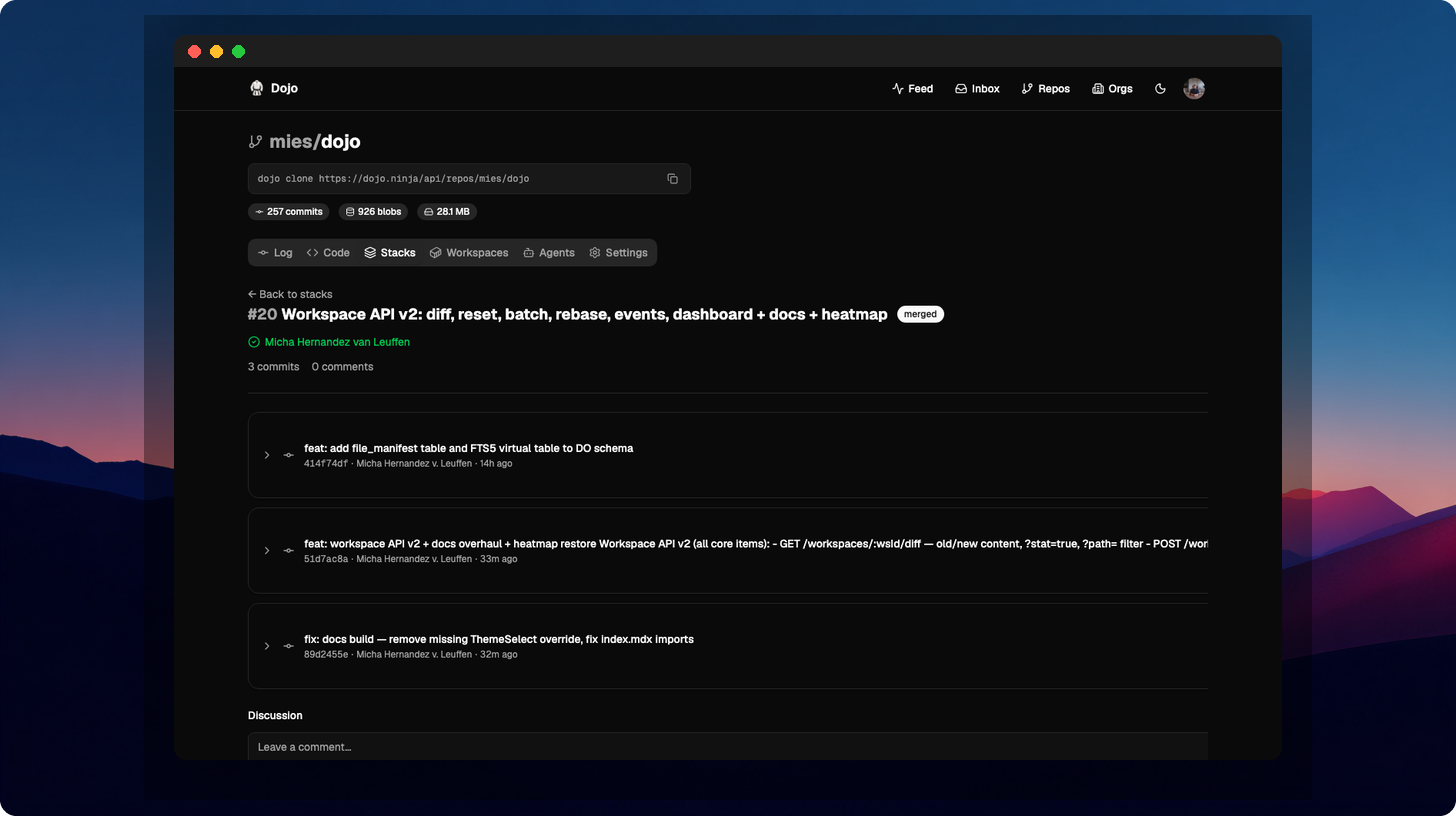
Reviewing stacks
Section titled “Reviewing stacks”# View the diffdojo review diff --number 42
# Approvedojo review approve --number 42
# Request changesdojo review reject --number 42 --message "Please add tests"
# Leave a commentdojo review comment --number 42 --message "Looks good overall"Updating a stack
Section titled “Updating a stack”After receiving review feedback, update your commits and push:
# Edit the relevant commitdojo edit <commit-id>
# Make changes...
# Push updatesdojo sync push
Reviewers can see the delta — what changed since their last review.