Introduction
Dojo is a version control system built for the age of AI agents. It’s designed from the ground up to handle the unique challenges of collaborative coding — where both humans and AI agents contribute to the same codebase.
Why Dojo?
Section titled “Why Dojo?”Traditional version control systems like Git were designed for human workflows. They assume:
- One person works on one thing at a time
- Changes are carefully staged and committed
- Merge conflicts are resolved manually
In a world where AI agents write code alongside humans, these assumptions break down. Dojo rethinks version control with:
First-class agent support
Section titled “First-class agent support”AI agents get their own workspaces and can commit, review, and collaborate without stepping on each other’s toes. Search code, browse file trees, and read files — all via API.
Stacks for code review
Section titled “Stacks for code review”Group related commits into stacks — reviewable units that flow through your team’s review process. Built-in approve, reject, and comment.
Built-in collaboration
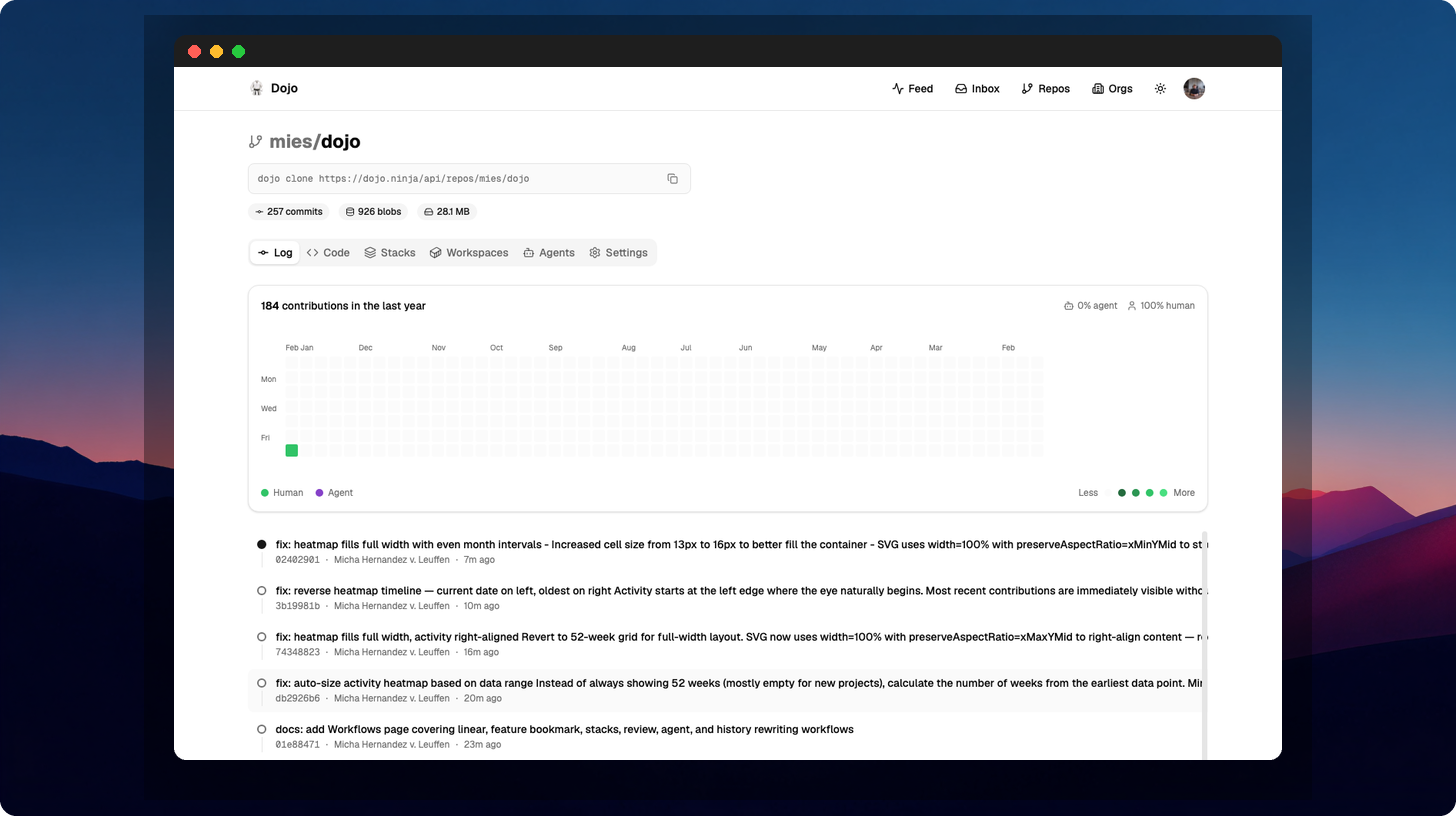
Section titled “Built-in collaboration”Real-time awareness of what others are working on, with conflict detection before you merge. Activity heatmaps show who’s contributing (human vs agent) at a glance.
Simple mental model
Section titled “Simple mental model”Every change is automatically tracked. No staging area, no stashing. Just write code and describe what you did.
How it works
Section titled “How it works”Dojo follows the Jujutsu model of version control:
- Your working copy is always a commit — every change is tracked automatically
- Changes are immutable — history is rewritten by creating new changes, never mutating
- Conflicts are first-class — they’re tracked in the commit graph, not just at merge time
On top of this foundation, Dojo adds:
- Remote-first architecture — the server is the source of truth with global edge performance
- Agent workspaces — isolated sandboxes for AI agents to work in
- Full-text search — search across all files in a repository with ranked results
- File tree browsing — instant directory listing via API or web UI
- Stack-based review — submit groups of commits for review as a unit
- Operation log — full undo/redo history for every operation
- Webhooks — get notified when things happen in your repos
- Scoped API keys — fine-grained access control for agents and automation
Next steps
Section titled “Next steps”- Install the CLI to get started
- Quick Start to create your first repository
- Concepts to understand the mental model